

Docs7 reads the Mintlify content format. Keep your docs.json or mint.json, MDX pages, assets, snippets, redirects, and OpenAPI files.
1. Preview the project#
From the folder that contains docs.json or mint.json, run:
Open http://localhost:3000, or the address that the command prints, to see your documentation site.
2. Connect the repository#
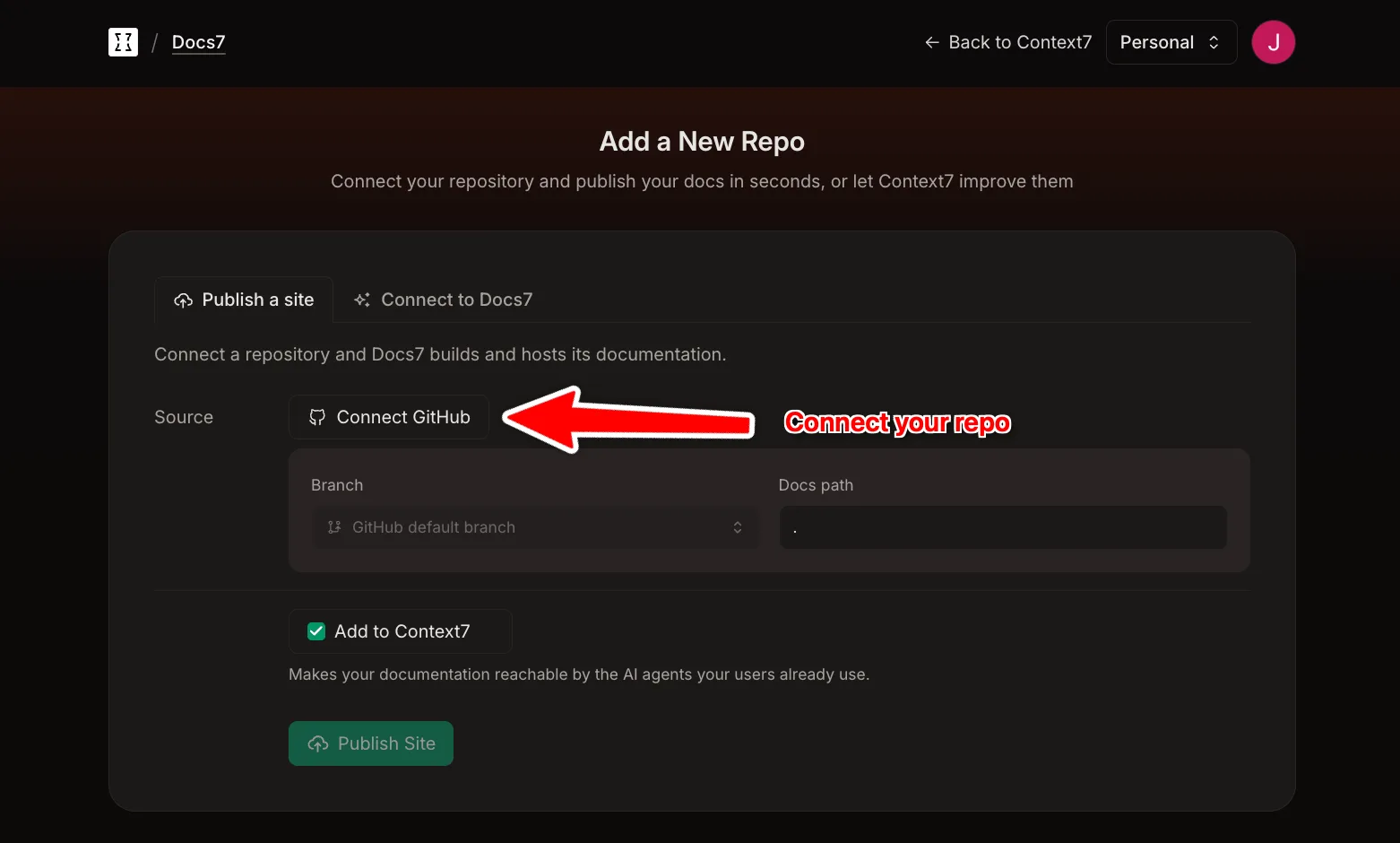
In your Context7 teamspace:
- Open Docs7 and choose Add new repository in the site menu. Choose Coding agent to let your coding agent read the repository and add the site, or Form to pick it yourself.
- Connect GitHub if needed.
- Choose the repository and production branch.
- Set Docs path to the folder that contains
docs.json. Use.when it is at the repository root. - Click Add.
Your Mintlify deployment stays online until you move the domain.
3. Move the domain#
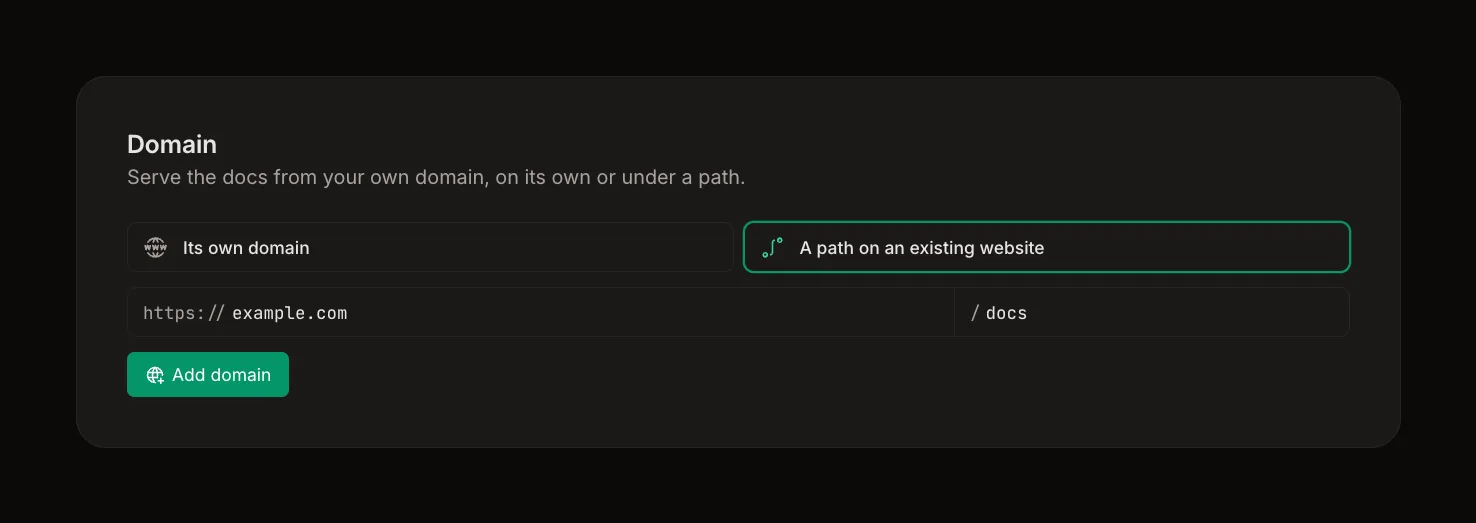
If you use a custom domain, add it to the Docs7 site. Docs7 shows the DNS records it needs. Add the TXT records, then change the CNAME to Docs7. Docs7 issues the HTTPS certificate a few minutes after the CNAME points at Docs7.
See Custom Domains for each record and for serving the docs from a path.
After the switch, remove the Mintlify GitHub integration so one push does not deploy to both services.